
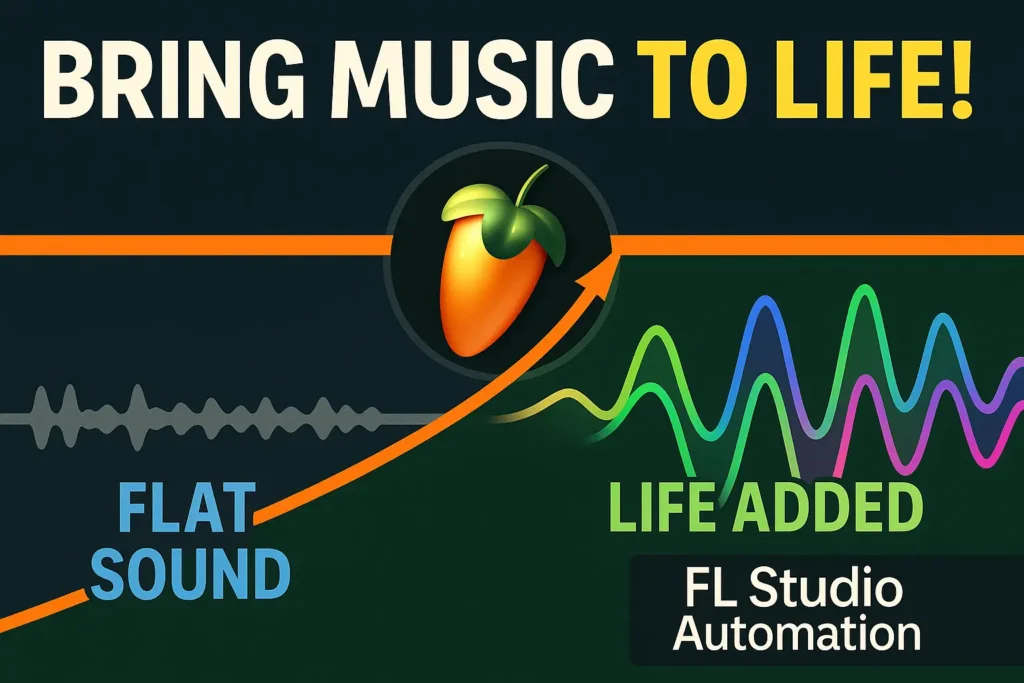
Most tracks don’t sound boring because of bad sounds — they sound boring because nothing changes. When I hear a loop that repeats for four minutes without movement, automation is always the missing piece. Not complex automation — basic, intentional movement
What I Listen For Before Automating Anything
Before I touch automation, I stop and listen to the track as if I’m hearing it for the first time. Not to fix it — just to understand why it feels lifeless.
Most of the time, the problem isn’t that something is missing. It’s that nothing is changing. The elements are there, but they’re stuck in one emotional state from start to finish.
I listen for repetition that doesn’t earn its place. Sounds that loop without reacting to the arrangement. Parts that should feel like they’re moving forward but stay flat instead.
If a section doesn’t create contrast — even subtly — automation won’t save it. That tells me the issue is sound choice or arrangement, not movement.
Automation only makes sense once I know what needs to breathe and why. Otherwise, I’m just drawing lines and hoping something improves.
Why Automation Comes Before More Sounds
When a track feels dead, the instinct is usually to add something — another layer, another plugin, another idea. I’ve learned that this almost always makes things worse.
Adding more sounds doesn’t create movement. It just stacks static elements on top of each other and hides the real problem for a few minutes.
Automation forces me to deal with what’s already there. If a sound can’t become more interesting when it changes over time, then it probably doesn’t belong in the track at all.
I treat automation like a stress test. Before introducing anything new, I want to know whether the existing elements can evolve, react, and create tension on their own.
If they can’t, I don’t reach for more sounds — I replace or remove them. Automation exposes weak ideas quickly, and that’s exactly why I start there.
The Only Automation Moves I Actually Use
1. Volume Automation (Micro, Not Dramatic)
I’m not talking about obvious fades or DJ-style drops.
I automate small volume changes — often less than 1 dB — to stop sounds from feeling flat. A synth that slightly rises into a phrase or dips before a transition instantly feels more alive, even if nothing else changes.
If a sound needs heavy volume automation to work, it’s usually the wrong sound.
2. Filter Cutoff to Create Direction
Before adding new layers, I’ll automate a low-pass or high-pass filter to create movement and anticipation.
Opening a filter slowly into a section does more for energy than adding another instrument. Closing it down before a drop creates tension without cluttering the mix.
This single move often replaces the need for extra risers or fillers.
3. Reverb Automation for Space Control
Instead of changing sounds, I change space.
Automating reverb send levels lets a sound feel close in one moment and distant in another. Pulling reverb back before an impact makes the hit feel harder without touching the volume.
If everything stays in the same space, the track feels static — no matter how many layers it has.
4. Automation as a Test, Not Decoration
If none of these automations make a sound more interesting, I don’t decorate it further.
I mute it.
This approach saves time and keeps the track focused. Automation isn’t there to impress — it’s there to reveal whether an idea deserves to stay.
What I Avoid Automating (And Why)
There are a lot of parameters you can automate, but that doesn’t mean you should. I’ve learned that some types of automation add complexity without adding movement — and those are usually the first things I stop doing.
I avoid automating too many parameters on the same sound at once. When volume, filter, stereo width, and effects are all moving together, nothing actually stands out. The sound feels busy, not alive.
I also stay away from constant, always-on automation just for the sake of motion. If a parameter is moving the entire track without reacting to the arrangement, it becomes noise. Movement only matters when it has a reason.
Another thing I rarely automate is extreme modulation on core elements. If a lead or bass needs wild automation to stay interesting, that’s a sign the sound design or musical idea isn’t strong enough on its own.
Automation should clarify an idea, not distract from it. When it starts drawing attention to itself, I usually undo it and simplify.
Before vs After: What Actually Changed
Before automation, the track felt stuck in one place. The sounds were fine, but they repeated without reacting to what was happening around them. Every section had the same energy, which made the arrangement feel longer than it actually was.
After adding a small amount of intentional automation, the difference wasn’t dramatic — it was directional. Parts leaned into transitions instead of crashing into them. Elements stepped back to make room, then returned with more impact.
Nothing new was added. No extra layers, no extra plugins. The track didn’t get louder or more complex — it just started to move. That shift alone made the arrangement feel purposeful instead of static.
Final Thought
Automation isn’t about making things complicated. It’s about making decisions visible over time.
If a track needs constant movement everywhere to stay interesting, the idea itself probably isn’t strong enough yet. One or two well-placed automations usually reveal more than a full page of curves ever will.
When automation works, you don’t notice it. You just feel that the track finally knows where it’s going.
Automation works because it mimics how we interact with the world — through movement, change, and progression. By shaping sound over time, automation turns audio from a sequence of notes into an emotional experience. It’s not just a tool — it’s a language. One that speaks directly to the listener’s brain and heart.
🎥 Want to See It in Action?
We’ve got a dedicated video breaking down exactly how automation breathes life into your tracks — with real audio examples, tips, and before-and-after comparisons.